Liber Guard Pro
End-to-end patrol and field management system for private security companies: NFC/QR checkpoints and GPS verification, instant panic/alerts to the supervisor, live tracking, reports. Priced by staff count.
No credit card required.
Solution Details
Run Your Security Company's Patrol Operation From One Panel
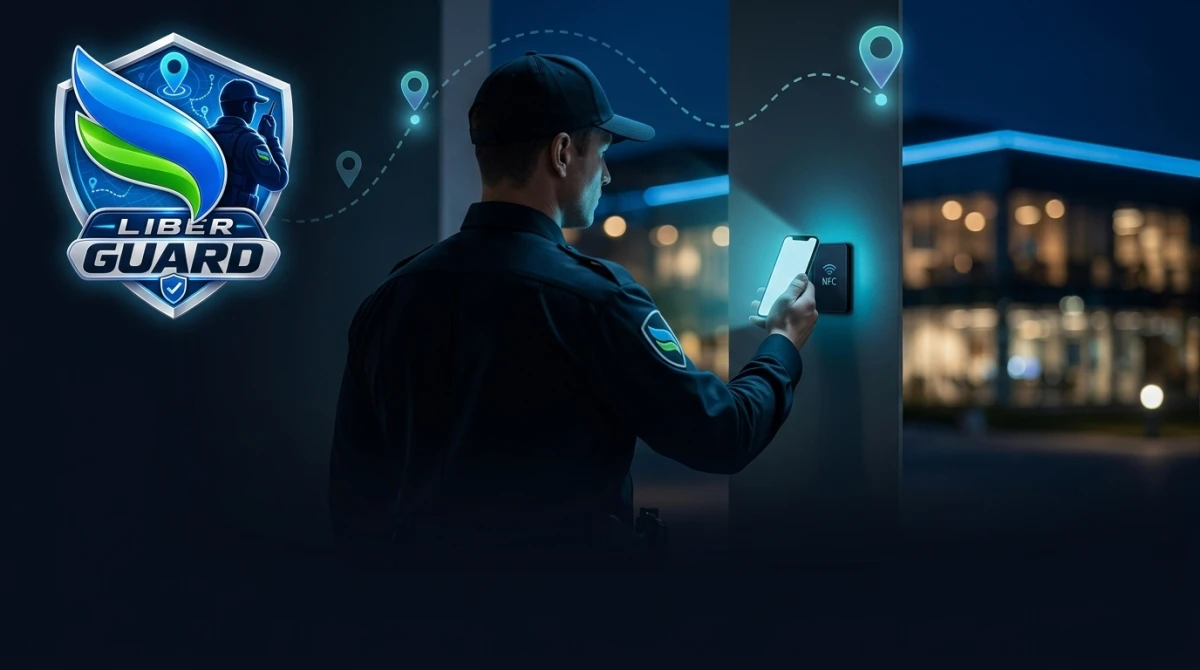
Liber Guard Pro is an end-to-end patrol and field management system for private security companies. You define your sites, checkpoints, routes and shift schedules in the web panel; field staff run their tours from an Android app, scanning checkpoints with NFC/QR + GPS verification, reporting incidents and raising panic/SOS when needed. Through audit-ready reports, management sees that every tour was completed on time and in full.
How It Works In The Field
- Login by task card: Each staff member gets a photo ID task card (credit-card-sized PDF) with a login QR. Staff sign in either by scanning the card in the app, or with their staff number and password.
- Running a tour: Staff start their shift, walk their assigned route in order and scan the NFC tag or QR code at each checkpoint. Every scan is recorded with GPS location and a timestamp.
- Photo-required checkpoints: You can require a photo at specific checkpoints during the scan (e.g. a door, a fire extinguisher, a panel).
- Offline resilience: In basements, warehouses or car parks with no signal, scans are queued on the device and sent automatically once connectivity returns — nothing is lost. A queued event is attributed to the staff member who created it, even on a shared device.
- Shared-device support: Several staff can use one device in turn; handover is done with "Switch Staff", and fast card login is supported.
Checkpoints: NFC and QR
- NFC tags: The NTAG21x family (213/215/216) is supported — common, low-cost, surface-mount tags. Tag size does not matter.
- QR codes: For places where NFC is not suitable, signed QR codes are generated from the panel, printed and placed.
- Geo-verification: Each checkpoint has a location and radius; a scan made from outside that area is flagged in the report.
- Mock-location detection: If a fake-GPS (mock location) app is running on the device, the scan is flagged and an alert is raised.
Panic / SOS and Alerts
- Panic / SOS button: When staff press the button, the supervisor gets an instant push + email. In addition, from the device's own SIM (if SMS permission and an active line exist) a direct SMS is sent both to the tenant's designated night-operator number and to the on-duty supervisor's phone — even in dead zones with no internet at all.
- Automatic alerts: Missed tour, late shift start, skipped checkpoint, device going offline, critical incident and mock location — each with rule-based panel + push + email notifications.
- Incident reporting: Staff report field incidents with category, description and photos; management tracks them from the panel and exports them as PDF.
Supervisor View
Staff in the Supervisor role can monitor their assigned sites, the staff at those sites and live tracking in read-only mode in the mobile app.
Live Tracking
While live tracking is on, a staff member's location can be followed on the map.
Reports and Audit
- Tour reports: Which staff completed which route, when, and how many checkpoints were scanned — with map playback.
- PDF / Excel export: Download incident and scan records for audits and client reporting.
- Audit Log: Every panel action (adding/removing sites, staff, devices; card generation; setting changes; logins) is recorded with who / when / from which IP.
KVKK and Data Security
- Disclosure and consent: Staff are shown the KVKK (Turkish data protection) disclosure text on first login in the mobile app; consent is recorded with its version.
- In-country storage: Checkpoint and incident photos are kept on Liber's own server and served only through an authenticated request.
- Retention and deletion: Records are automatically deleted/anonymised after the configured periods. Before deletion you can export all incident and scan records, together with their photos, as an Excel-openable ZIP.
Setup and Management
After purchase you manage the whole process from your panel, in order: Company Settings (logo, contact) → Sites → Checkpoints → Routes → Scheduling → Staff and task card → Device enrolment. A step-by-step User Guide is built into the panel. You sign in with your Liber.tr account in one click, with no separate password to manage.
The Android install file (APK) can be downloaded from your panel and installed with the "install from unknown sources" permission. This means no store review wait on updates.
Pricing
You can increase capacity at any time; staff added mid-term are charged pro rata for the days remaining until license expiry, and the term is not extended. Device count and site count do not affect the price — only active staff count.
Frequently Asked Questions
Will staff use their own phone or a company device?
Either. The app works with both the staff member's own phone and corporate devices; a device can be handed over to a different staff member at shift change.
What happens where there is no internet?
Scans and incidents are queued on the device and sent automatically once connectivity returns. For panic, the device's own SMS line takes over.
Who receives alert notifications?
All staff-originated alerts go to the supervisor who has the app installed on their device (push + email). If an ordinary staff member takes over the device, they do not receive them.
What if a task card is lost?
You regenerate it from the panel with "Generate Card"; a new PIN is assigned and the previous card/QR is automatically invalidated.
How is the price determined?
Purely by active staff count. Deactivating a staff member frees the seat immediately; device or site count does not affect the price.