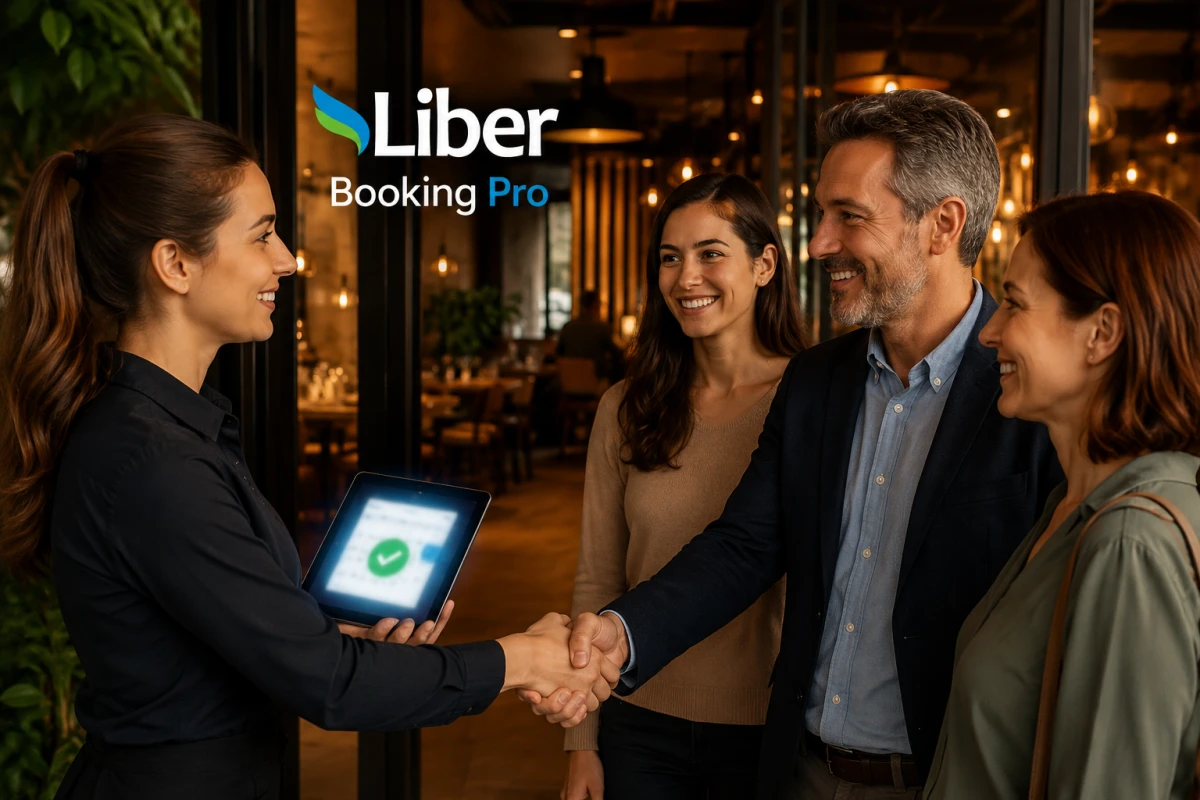
Liber Booking Pro
Manage event, service, table/section, and stay reservations from one panel; even without a website, start taking bookings right away with your ready-made page.
No credit card required.
Solution Details
Manage Every Reservation From One Panel
Liber Booking Pro isn't built for a single kind of appointment — it's built for every reservation need your business has. Events, service appointments, table/section bookings, and stays: whichever you need, manage them all from the same panel and the same calendar.
Four Reservation Types, One Panel
- Events: Concerts, workshops, seminars — anything with a fixed date/time and a capacity. Set a capacity, and once it's full, guests are automatically added to a waitlist; promote the next person with one click the moment a spot opens.
- Services: Hairdressers, salons, clinics, consultants — define your working days/hours and appointment length (15/30/45/60 min); optionally let guests pick a staff member during booking (or choose "no preference" and the system assigns the first available one).
- Tables/Sections: Restaurants, cafés, gardens/terraces — take dinner-style table or section reservations. Each table/section type has its own weekly schedule and concurrent capacity; no date-range selection needed.
- Rooms: Guesthouses, boutique hotels, short-term rentals — take stay reservations with check-in/check-out date ranges; set minimum/maximum nights and approve or decline incoming requests.
How Do Your Guests Book?
- Embedded Widget on Your Own Website: One line of code adds a reservation bubble to your site; guests pick an available date/time without ever leaving your page.
- No Website Yet? Liber Booking Pro automatically gives you your own public reservation page (booking.liber.tr/your-business) — share the link directly on social media or WhatsApp.
- Secure, Email-Verified Bookings: Every request is verified with a 6-digit code sent to the guest's email, preventing spam and mistaken entries.
- Automatic or Manual Approval: Choose whether bookings are confirmed the moment they're verified (Auto-Approve), or whether you review and approve/reject every request yourself from the panel — your call.
What's Inside the Admin Panel?
- One-Screen Reservation List: Filter all reservations for today, tomorrow, or any date range by type; a weekly calendar view shows your occupancy at a glance.
- Staff Management: Assign staff to your service appointments, define who can perform which service, and let the system automatically block conflicting bookings.
- Guest Records: See every guest's past reservations, contact details, and notes in one place; search by phone number and create a manual reservation in seconds.
- Automatic Email Notifications: Confirmation, cancellation link, pending/rejection notices, and waitlist promotions — all sent to guests automatically, no manual messaging required.
- Photo/Video Gallery and Company Page: Showcase your business with images, videos, and an "About Us" section right on your public reservation page.
Why Liber Booking Pro?
- One Product, Four Industries: Stop paying for separate software for appointments, events, restaurants, and stays — when your business grows into a new reservation type, no new setup is needed.
- No Website Required: Even without a website, start taking reservations immediately with your ready-made public booking page.
- Verification That Cuts No-Shows: Email OTP verification keeps out empty or mistaken bookings, so only real guests get registered.
- Flexible Approval Control: Switch between automatic and manual approval any time, based on how busy you are.
- Secure Login With Your Liber.tr Account: No separate password to manage — access your panel instantly with your existing Liber.tr account.
Frequently Asked Questions
Can I use more than one reservation type at once?
Yes. A restaurant, for example, can take dinner reservations through "Tables/Sections" while also selling tickets to a special live-music night through "Events."
I don't have a website — can I still use this?
Yes. Liber Booking Pro automatically gives you your own public reservation page, no widget code required.
Do I have to approve every reservation?
No, it's your choice. In "Auto-Approve" mode, bookings are confirmed instantly; in "I'll Approve" mode, you review every request yourself.
Is staff assignment mandatory?
No. You can make staff selection optional or turn it off entirely for your services.
How do guests cancel their reservation?
They simply click the cancellation link in their confirmation email; you can also remove any reservation from the panel at any time.